
Understanding Intent
The query "something for winter for a child" will find children's jackets and snowsuits, even though the customer didn't use those words
Customers don't always know the names from your catalog. LivBerry search matches results by query meaning, and reports show in black and white what people search for and what they actually add to the cart.
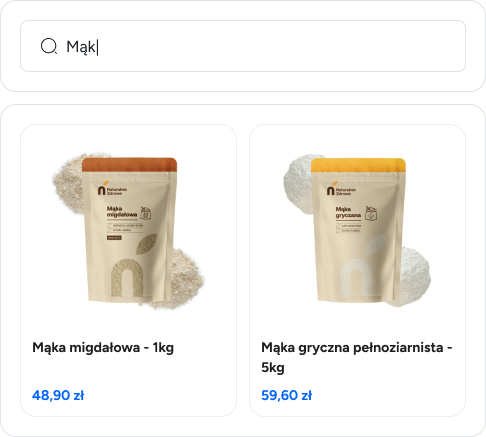
You decide how the search engine picks results. Text mode matches keywords, semantic mode understands the meaning of the query, and hybrid combines both approaches in proportions you set with a slider.
The query "something for winter for a child" will find children's jackets and snowsuits, even though the customer didn't use those words
You set how much the title, description, SKU and each product attribute matter - and simply skip the fields that shouldn't affect the results
Right after opening the search, you can show recommended products or your own welcome text
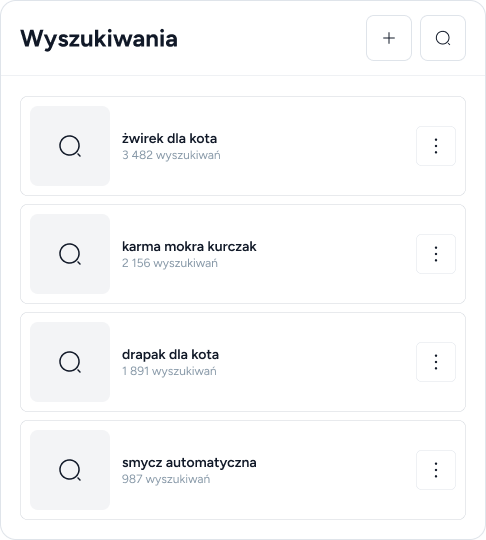
The greatest value of the search engine is the knowledge it leaves behind. The dashboard collects search data by week, month and quarter - without configuring external analytics.
A list of phrases typed by customers with search counts - ready material for product names, tags and ad campaigns
A ranking of products most often displayed and most often added to the cart from search results, along with related keywords
You see which products are missing from results and which customer words are worth adding as synonyms
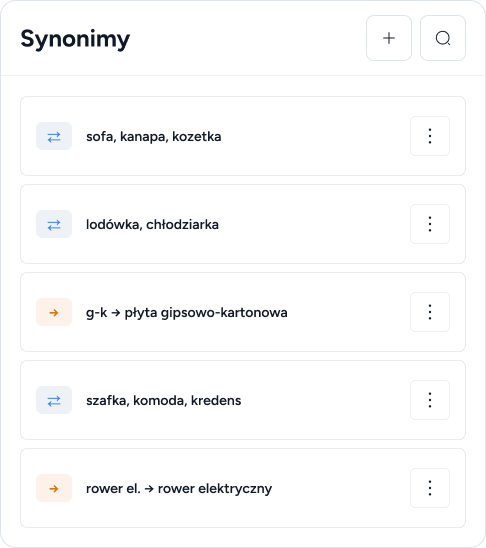
A customer types "couch" but your catalog says "sofa"? Synonym groups make both queries lead to the same products.
All words in a group work interchangeably - "sofa" finds "couch" and vice versa
Abbreviations and jargon lead to a keyword, e.g. "drywall" finds "gypsum plasterboard"
Phrases from the search report suggest which synonyms are worth adding first
The search engine looks like part of your store and works on any e-commerce platform.
You enable exactly the filters your customers need - without programming
Leading color, placeholder and behavior after opening are all set in the panel
Dedicated WooCommerce and PrestaShop plugins, XML import or a simple JavaScript snippet for any platform
No. You can use classic text search and enable semantic or hybrid mode at any time with a single switch in the settings.
Yes - we offer plugins for WooCommerce and PrestaShop, and on other platforms you just paste a JavaScript snippet. You can also import products from an XML file, e.g. a Google Merchant feed.
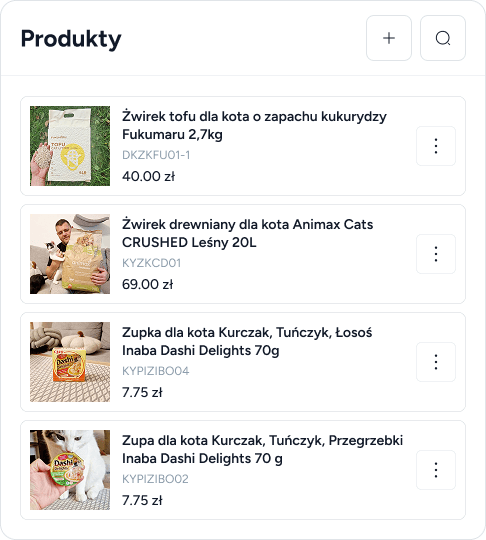
From the catalog in the LivBerry panel, which synchronizes automatically with your store or an XML file. You can enrich products with attributes and notes that improve result relevance.
In the dashboard reports you see the number of searches, top phrases, and products most often displayed and added to the cart - you instantly know what to improve.