
Products Bought Together
On the product page or in the cart, you show what other customers ordered together with the product being viewed
A customer who sees a relevant suggestion buys more. The LivBerry recommender suggests products based on real orders from your store - it shows what customers buy together and what they buy most often.
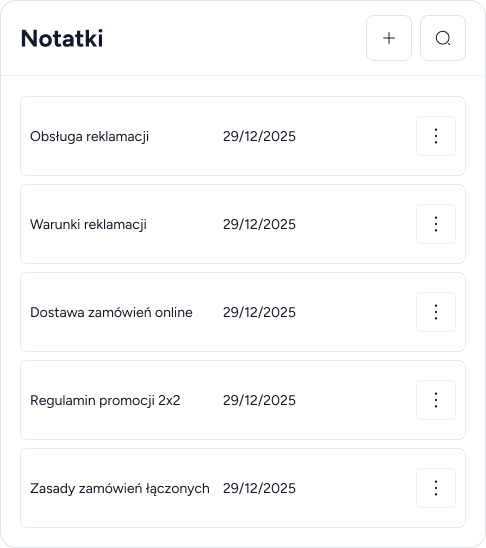
The recommender doesn't pick random products from the catalog. It analyzes orders in your store and builds suggestions on top of them - the more you sell, the more accurate they become.
On the product page or in the cart, you show what other customers ordered together with the product being viewed
A ranking of the most frequently bought products, built continuously from orders - perfect for the homepage
When a new product doesn't have enough data yet, the system fills the block with popular products from your catalog
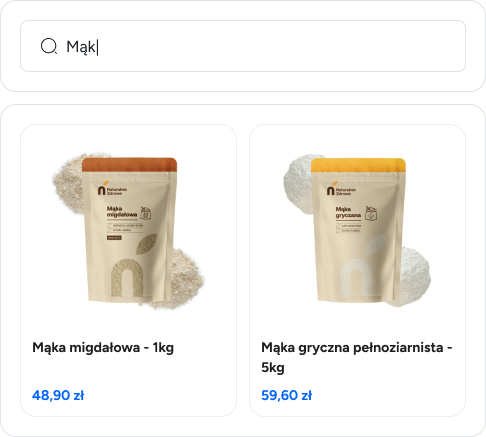
You decide where and how recommendations appear. You can place several blocks on one page and configure each one differently.
A swipeable slider saves space, while a grid shows all recommended products at once - you choose per block
You place a recommendation block anywhere on the page, and each block can recommend something different
You set the leading color in the panel, so recommendations look like a natural part of your store
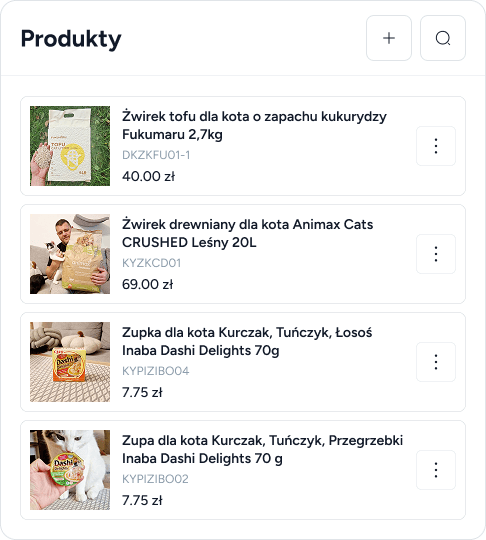
Recommendations work automatically, but you have the final say - for each block you set the reference point, exclusions and the number of products.
You point to the products the system should match suggestions to - e.g. the product being viewed or the cart contents
Products the customer shouldn't see - e.g. items already in their cart - are simply excluded
You set how many products each block shows, so recommendations fit your page layout
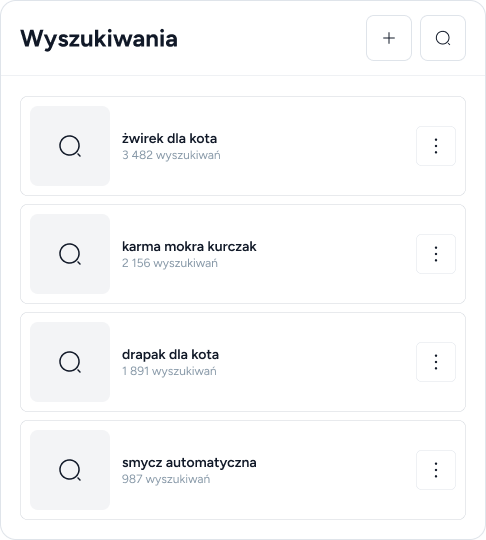
Every view and add-to-cart from a recommendation block lands in the dashboard reports. You don't guess whether the recommender works - you see it in numbers.
You see which recommended products customers actually put in the cart
Reports separate the results of search, chat and the recommender, so you know where carts come from
Data by week, month and quarter shows whether recommendations sell better and better
From real orders in your store. The system checks which products customers buy together and which they buy most often, and when there is not enough data yet, it fills recommendations with popular products from the catalog.
Yes - you embed a recommendation block with a simple JavaScript snippet anywhere on the page, regardless of your e-commerce platform. It uses the same product catalog as LivBerry search.
Anywhere you paste the code - on the homepage, product page, in the cart or on the thank-you page. Several blocks can run on one page, each with its own settings.
In the dashboard reports you see views and add-to-carts from recommendation blocks - separately from search and chat results, by week, month and quarter.