
Consultant Assignments
Assign a thread to one or several people - it's always clear who owns the case
Inbox turns company mailboxes into an organized queue of cases. Statuses, assignments and store tools make sure no e-mail waits for someone to notice it.
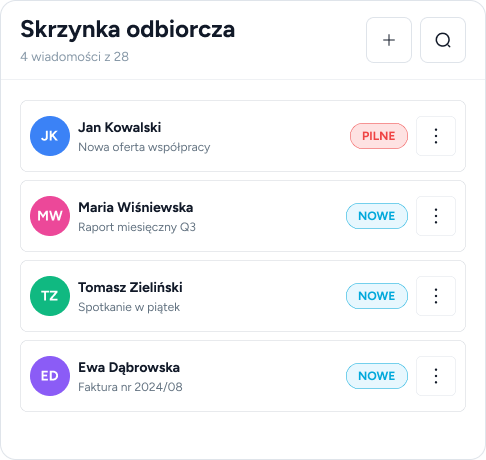
Every thread has a status: open, waiting, resolved or snoozed. You instantly see what needs a reaction and what can wait.
Assign a thread to one or several people - it's always clear who owns the case
Filter by status, search by subject, sender and message content
Me, AI, Draft, Scheduled, New - the thread history without guesswork
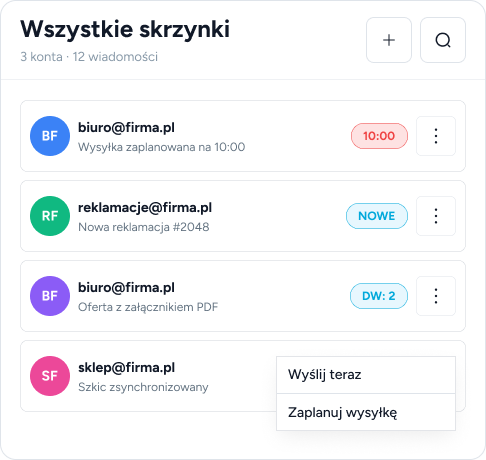
Inbox connects to any mailbox via IMAP/SMTP. You write in a rich text editor, add attachments and CC recipients.
Set a date and time - the message sends itself, and until then you can still edit it
Drafts and sent messages can be saved to your mailbox folders - you also see them in an external e-mail client
Connect office@, shop@ and complaints@ - the team handles everything from a single panel
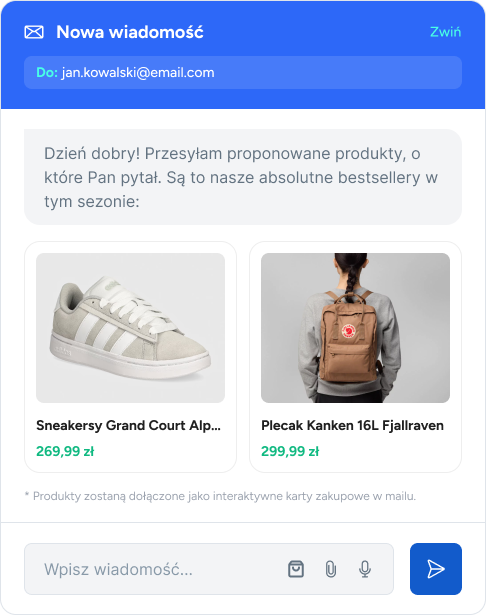
The same consultant tools as in Chat: customer, orders, products and tasks - without switching to the store panel.
When the sender matches a store customer, assignment doesn't require additional code verification
Search for a product and insert it into the message as a link - with thumbnail, name and price
Link a thread to a task or create a new one - a complaint from e-mail joins the same queue as other inquiries
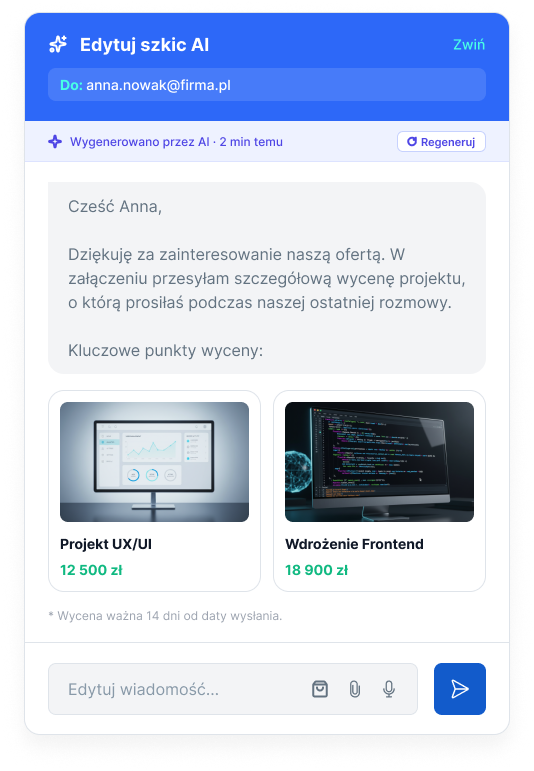
Inbox AI works in two modes: it prepares drafts for your approval, or - if you trust it - replies automatically.
AI prepares the reply, and a consultant reviews, adjusts and sends it
You define the rules AI follows when drafting replies, plus a constant message signature
AI uses company notes - it replies according to your procedures, not "the internet"
No - you connect Inbox to your existing mailbox via IMAP/SMTP. Built-in connection tests instantly confirm the configuration is correct.
By default no - AI only creates drafts that a consultant approves. You enable the automatic reply mode deliberately, with a separate setting.
Yes, that's exactly what Inbox is for. You assign threads to specific people, and statuses show what stage each case is at.
No - it works as a standalone team mailbox. Store API integration adds order and customer data lookup, but it's not required.