
Taking Over and Handing Off
Take over a conversation from the chatbot with one click or hand it to another consultant - with the full conversation history
Live chat for online stores and service companies. Consultants lead the conversations, and the AI chatbot - if you want - answers after hours or when nobody can pick up. You set the rules.
Chat connected to the store API gives consultants and the chatbot access to real data - without logging into the store panel.
Search for products and send them to the chat as a carousel with thumbnail, name and price - the customer moves to purchase with one click.
After secure e-mail code verification you see the customer's order history, statuses and contact details.
Create a task for the team straight from the conversation - a complaint or return question goes directly to support.
Not running a store? The chat works on any website - just paste one JavaScript snippet.
Outside business hours the chat can switch to offline mode or hand conversations over to the chatbot.
Notes about services, pricing and procedures feed the chatbot's answers - it responds in line with your company policy.
Colors, name, avatar and welcome message - you set everything in the panel.
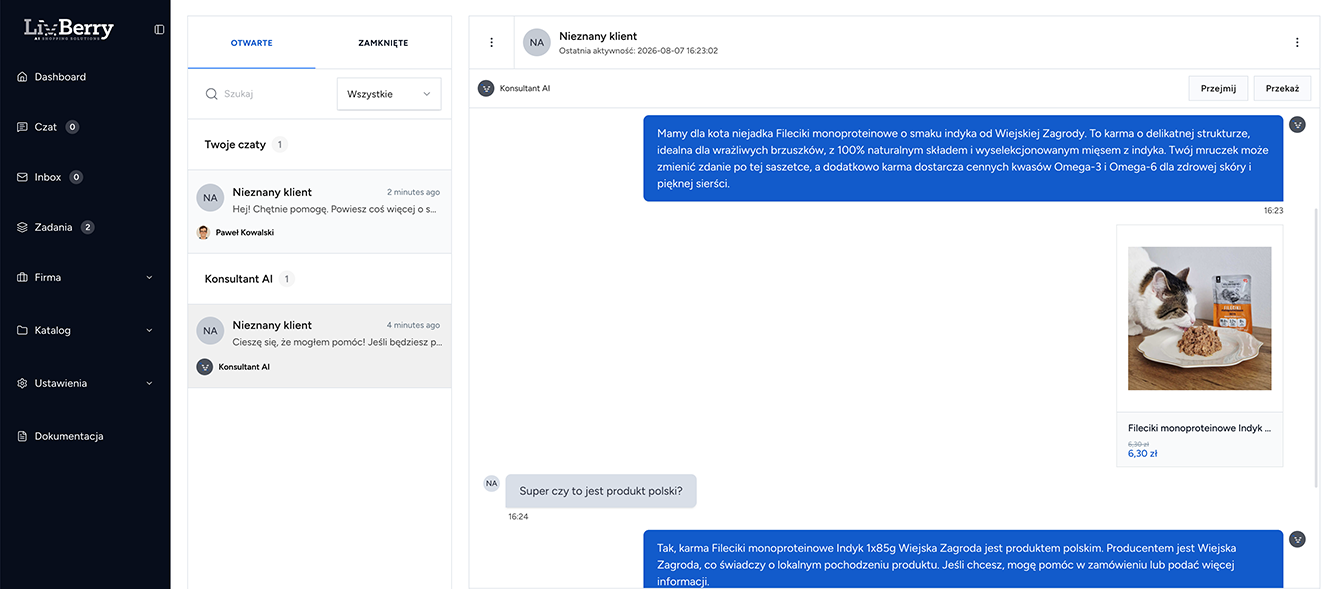
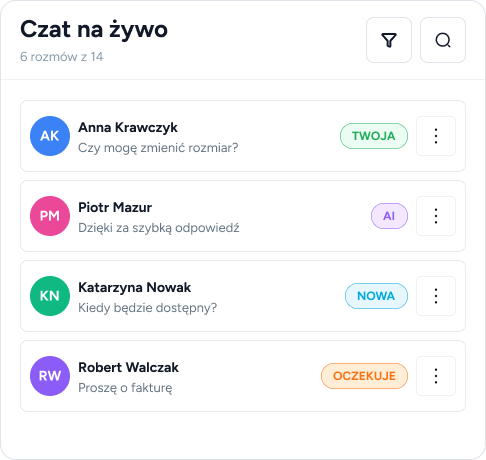
The conversation list groups itself into sections: waiting, yours, handled by AI and assigned to other consultants. Nobody asks "who's handling this?".
Take over a conversation from the chatbot with one click or hand it to another consultant - with the full conversation history
Unread, assigned to me, handled by AI - you'll find any conversation in seconds
Customer data, orders, products and tasks in a slide-out panel next to the conversation
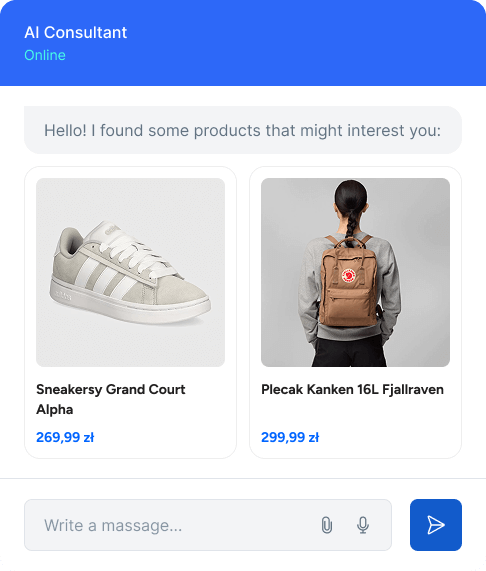
You can enable the chatbot, but you don't have to. If it runs, you decide when: always first, only after business hours, or only when nobody picks up the conversation within a set time.
You describe the tone of voice and service rules with a simple list of guidelines the chatbot follows
A switch to a consultant and a takeover request - the consultant continues with the full history
An optional question about consent to AI data processing with the customer's decision recorded
No - the chat works great as classic live chat with consultants. You can enable the chatbot later with a single switch, e.g. only after business hours.
Yes. You can paste the JavaScript widget on any website - service companies use conversations, the knowledge base, business hours and tasks, just without the store modules.
From the product catalog, company notes and your guidelines. The better products and procedures are described, the more accurate the answers.
Access to order data requires customer verification with a code sent by e-mail, and you can make consent to AI data processing mandatory in line with the AI Act.